Documentation
Everything You Need to Run WPRaffle.
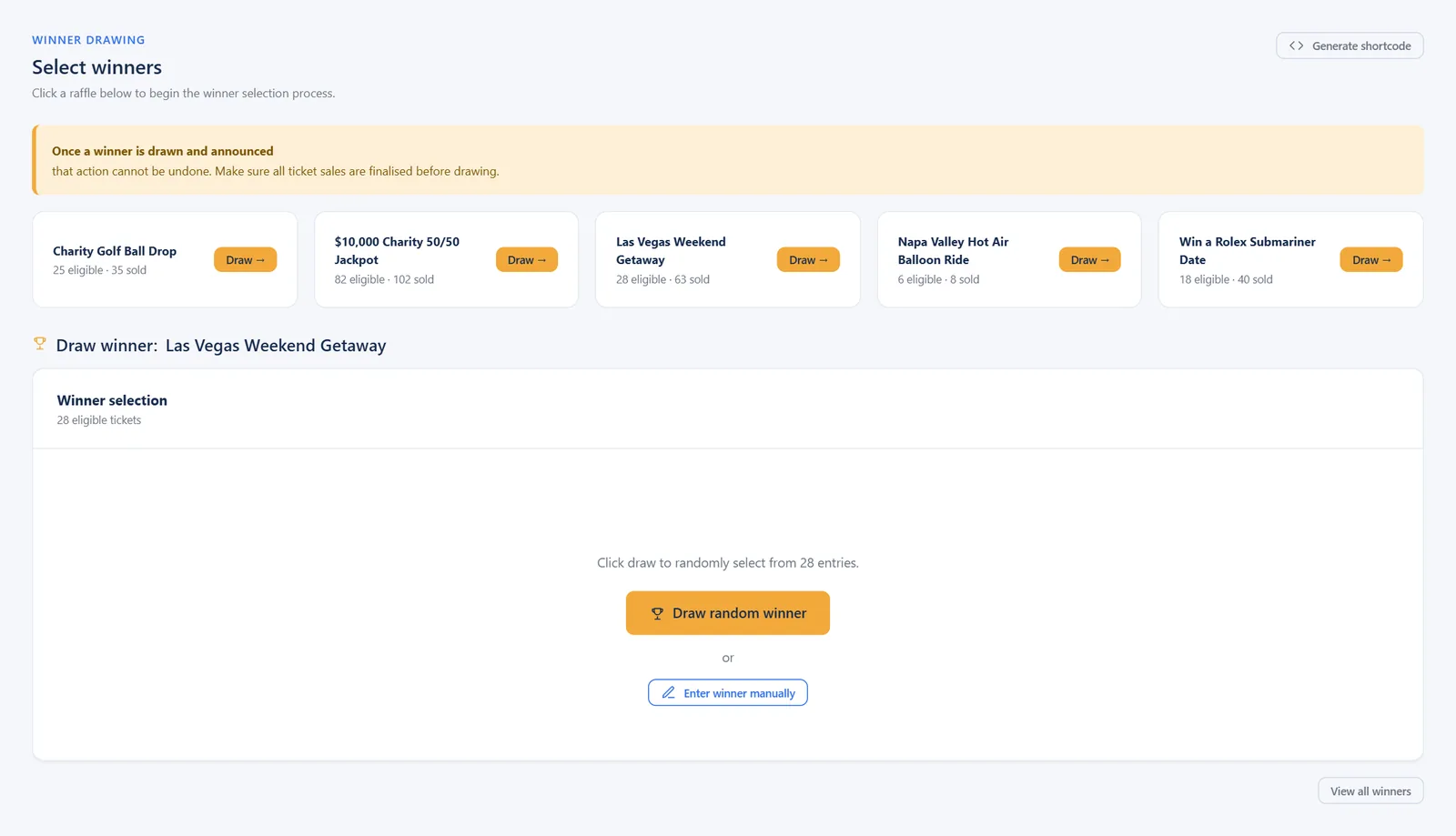
Step-by-step guides for every edition, with a screenshot of every screen. Search them, read them online or download the PDF.
Choose your edition
Pick the Guide for Your License.
Not sure which edition you have? It is shown at the top of WPRaffle → License in your WordPress admin.
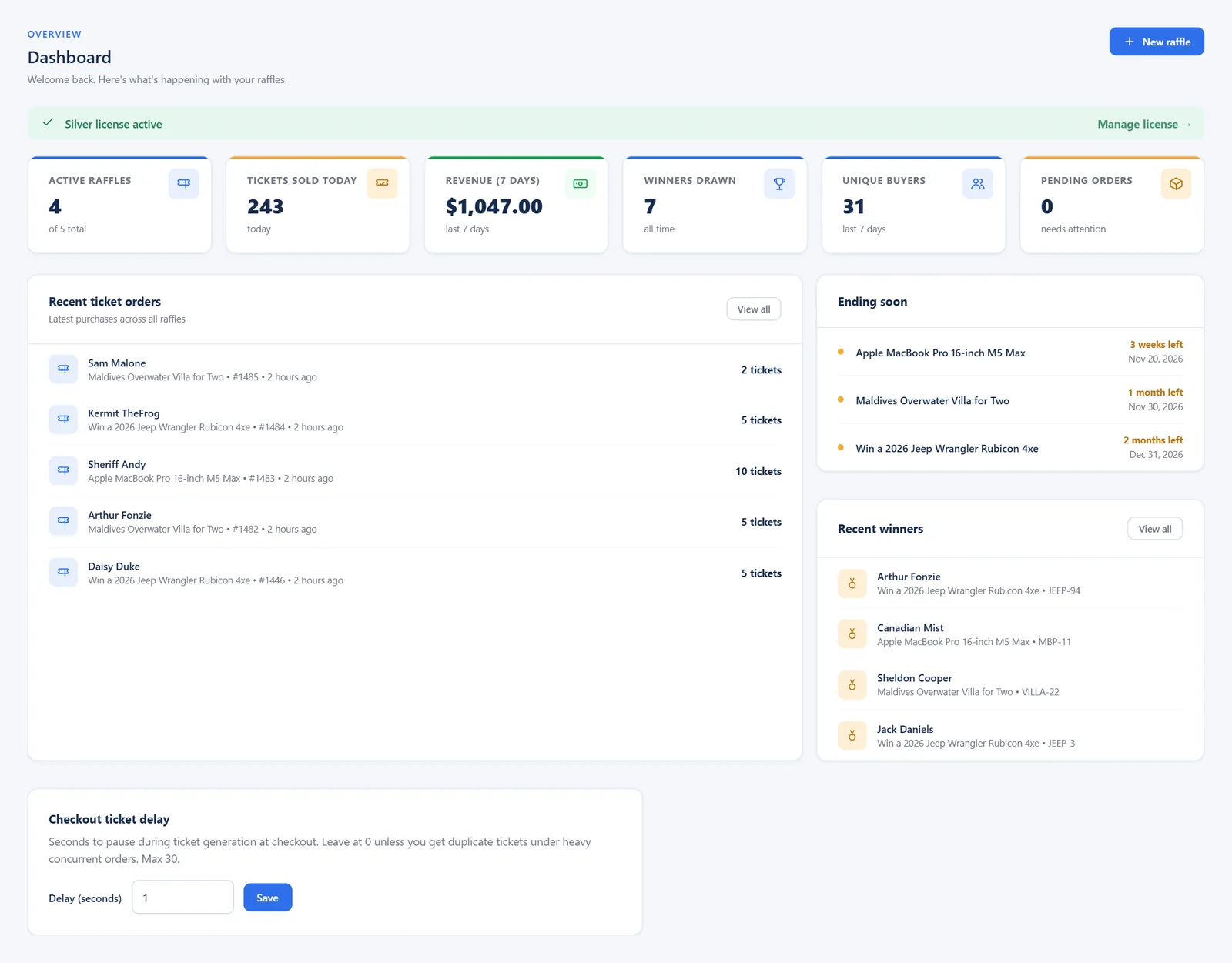
Silver Admin Guide
Core raffles: sequential ticket numbers, ticket images, emailed tickets and winner draws.
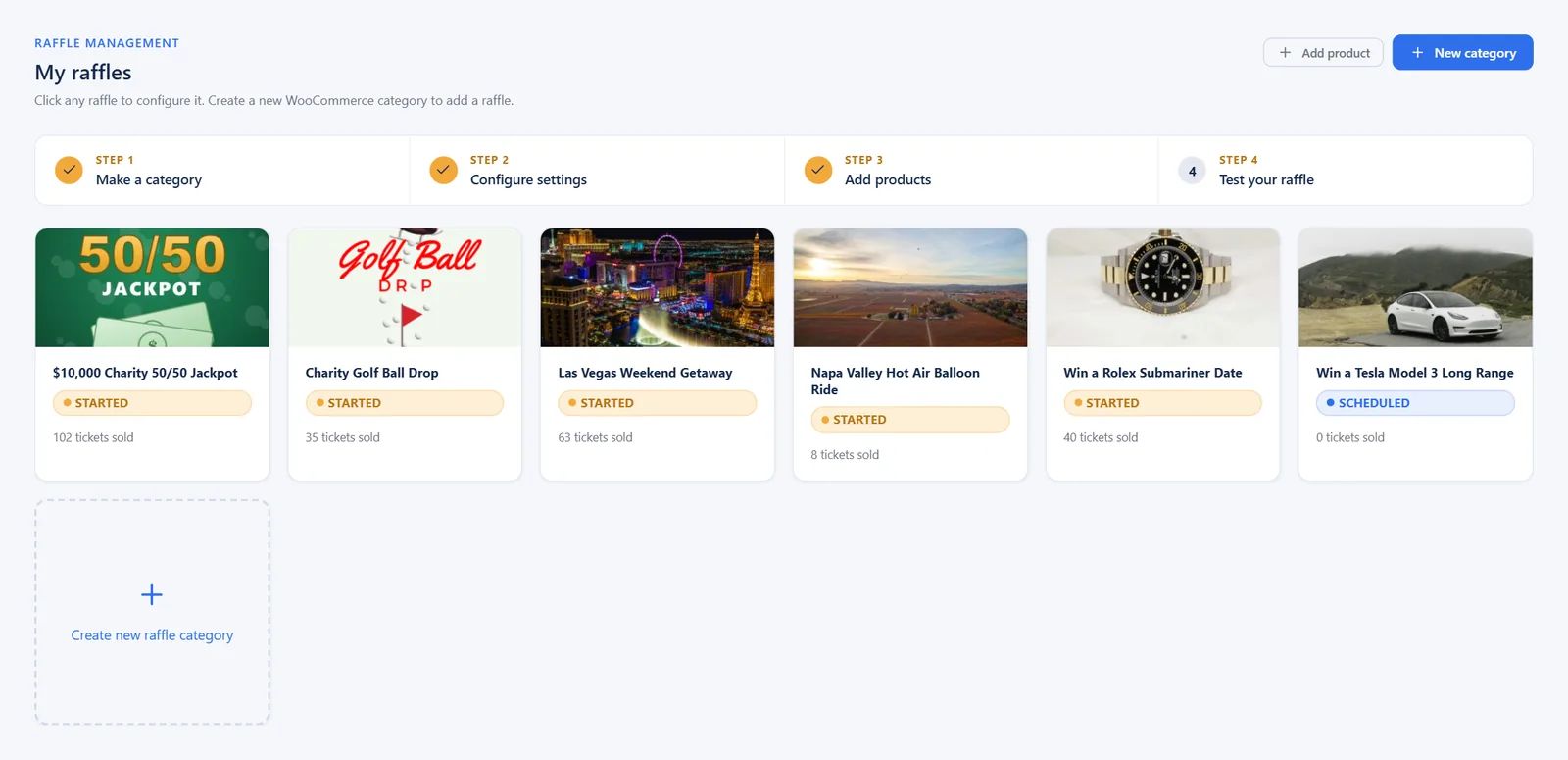
Gold Admin Guide
Everything in Silver plus successive numbers, quiz questions, 50/50s, ticket limits and tools.
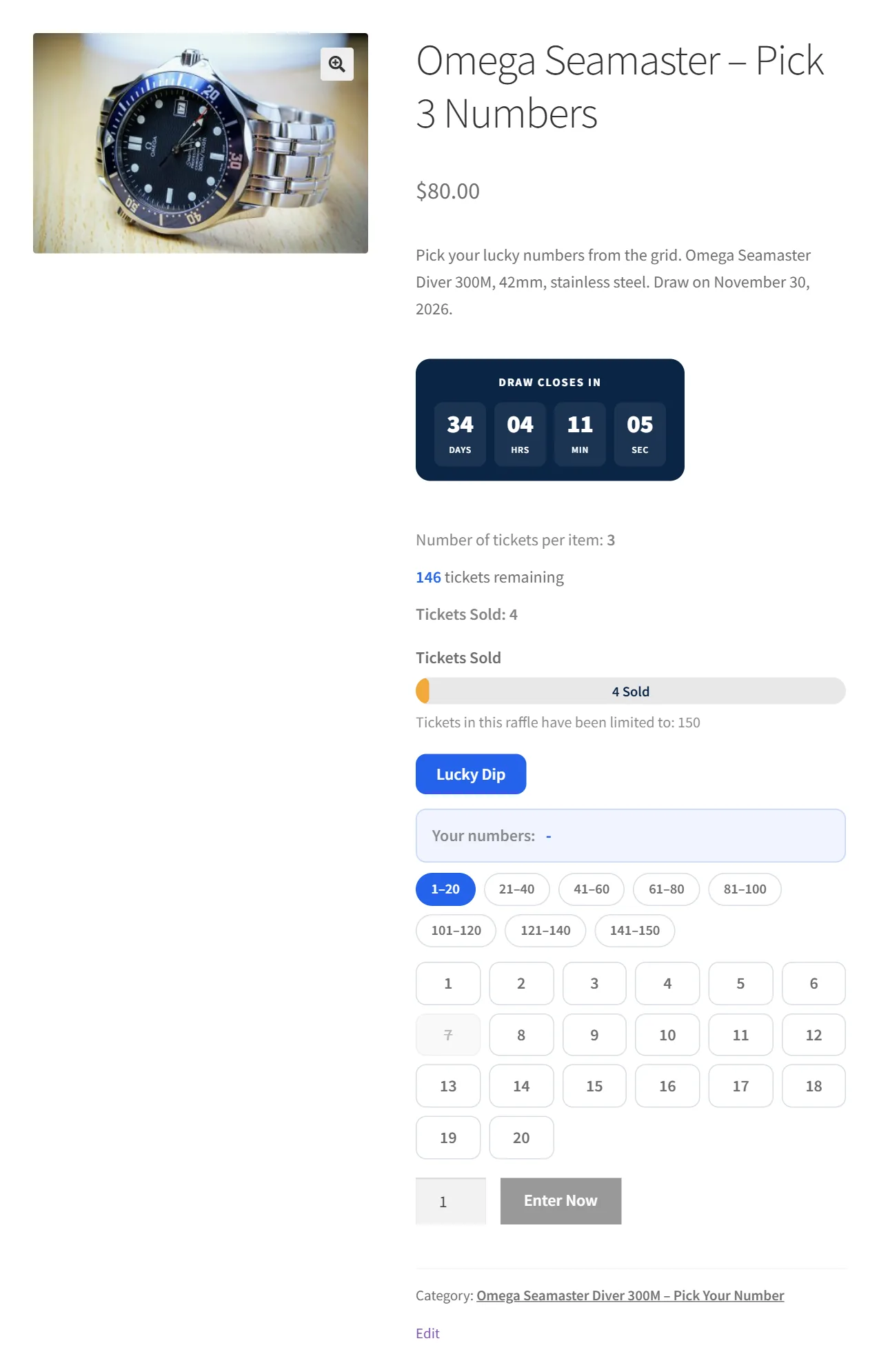
Platinum Admin Guide
Everything in Gold plus random numbers, Pick Your Number, gift tickets and subscriptions.
Start here
From Install to Your First Winner.
- Install and activateUpload the plugin zip, activate it and add your license key.
- Create a raffleThe New Raffle wizard builds the raffle and its ticket packages in two steps.
- Fine-tune the settingsSchedule, ticket numbers, ticket images, emails and limits.
- Sell, then draw winnersTickets are issued on payment. Draw winners in the admin or live on your site.

Popular topics
Jump Straight to What You Need.
For your customers
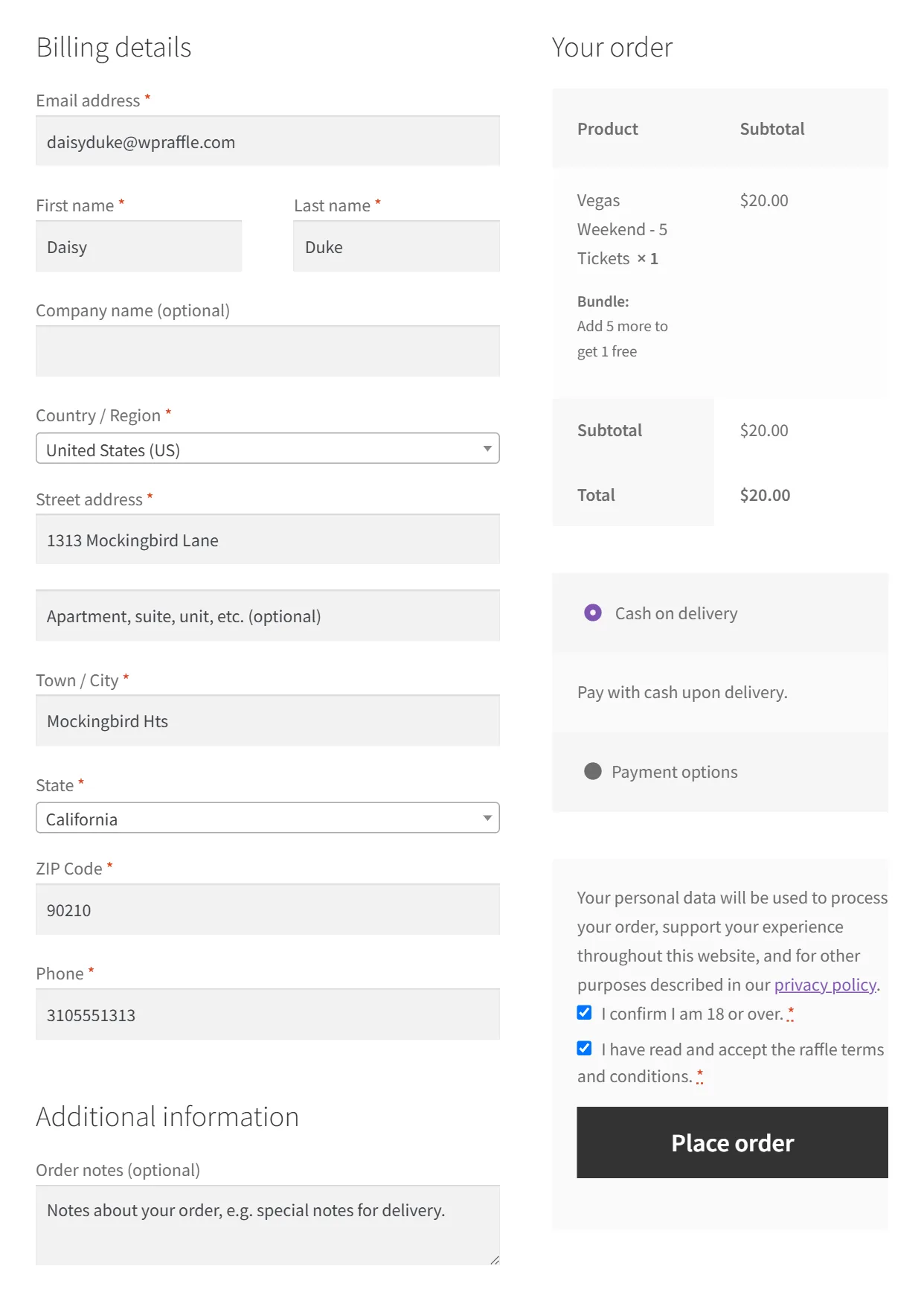
See Exactly How Customers Order.
Share this walkthrough with your supporters, or use it to check your own setup: choosing a raffle, picking a package, checkout and receiving ticket numbers.
Still Stuck?
Our US-based team answers on business days. Existing customers get the fastest help through Plugin Support.